An AI-Assisted Homepage Redesign
Using Claude Code and Figma to define a design system, iterate on a homepage, and ship a token-based prototype - all in one connected workflow.
Type
Design Challenge
Tools
Figma · Claude Code · MCP
Deliverable
Mini Design System + Clickable Prototype
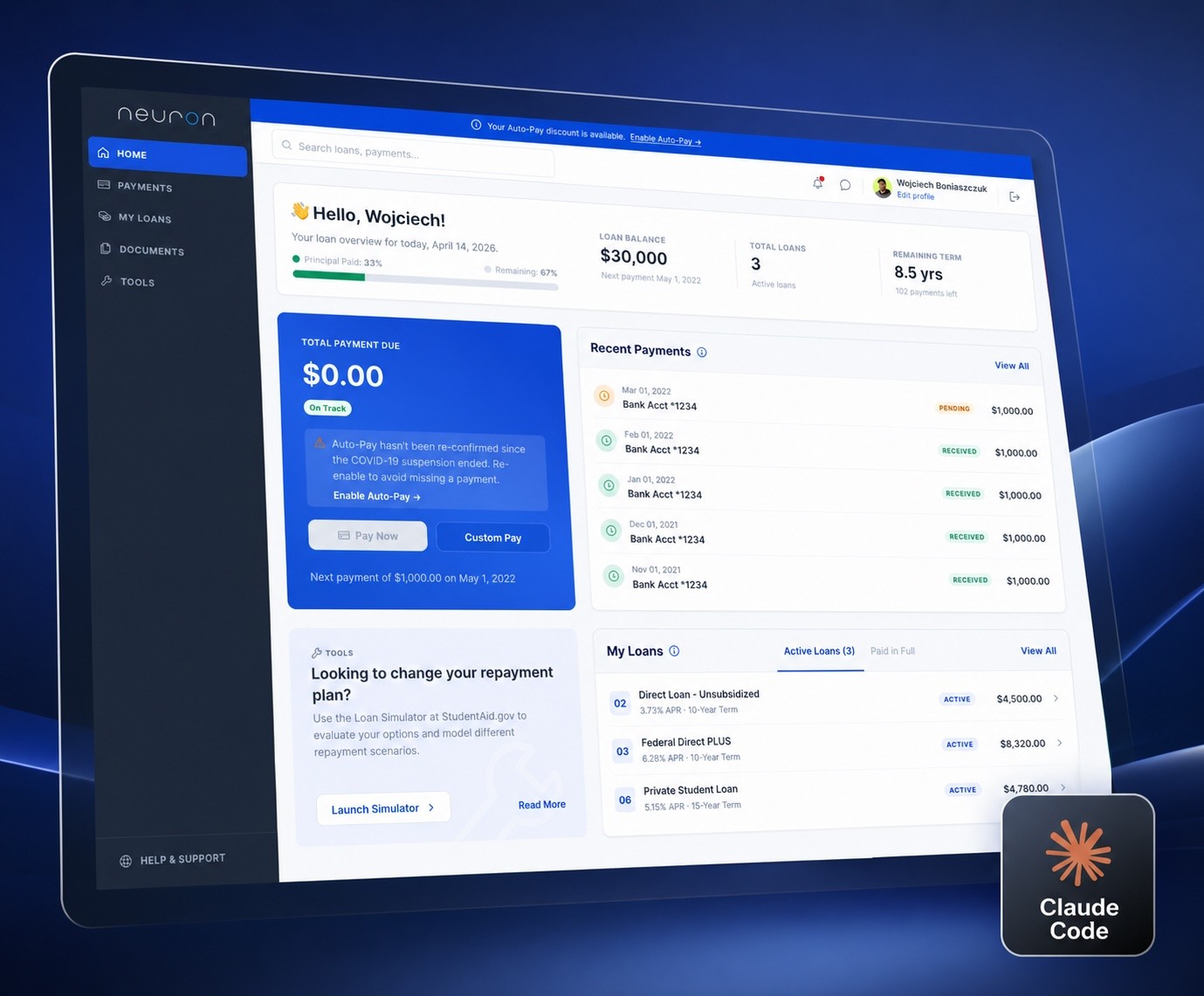
Claude Code, combined with Figma, significantly sped up the entire product development process. It enabled me to define styles, components, and the initial homepage concept much faster - which I could then refine with full control at each human-verified stage.
Design brief
Redesign the Neuron student loan homepage while maintaining all existing functionality - no features removed, just reimagined.
Information architecture improvements were encouraged, including modifications to the left-hand navigation.
Instructional copy and UI text could be rewritten to improve clarity or tone.
The redesign should use a modern UI language, drawing inspiration from best-in-class fintech products.
Visual inspiration (mobile fintech benchmarks)
Process
UX Thinking - Structured problem breakdown
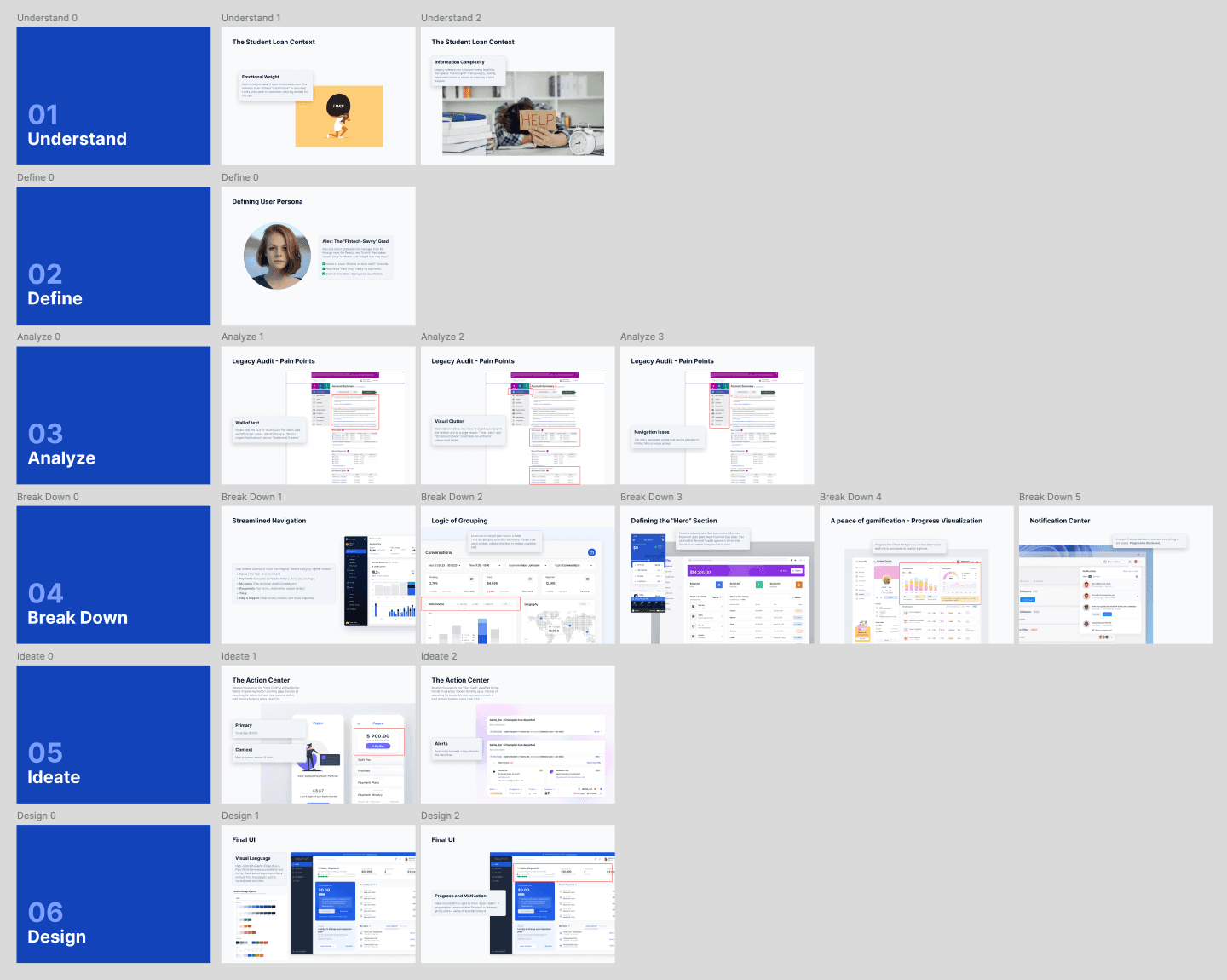
Before touching any visuals, I mapped out the challenge in a dedicated Figma page. I broke the problem into six structured phases to ensure a solid foundation before designing anything.
Understand > Define > Analyze > Break Down> Ideate > Design
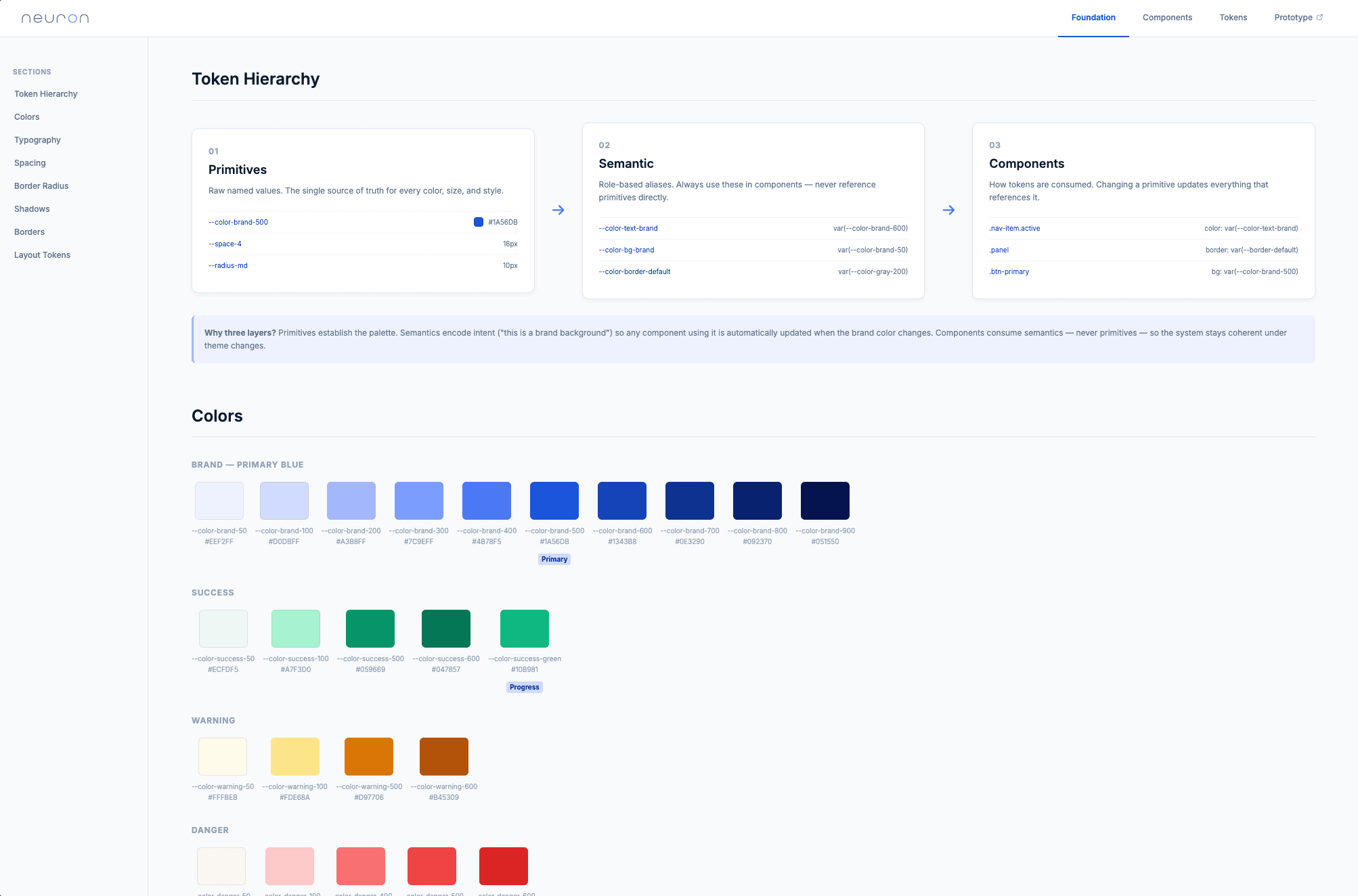
Foundation - Design system via Claude Code + Figma MCP
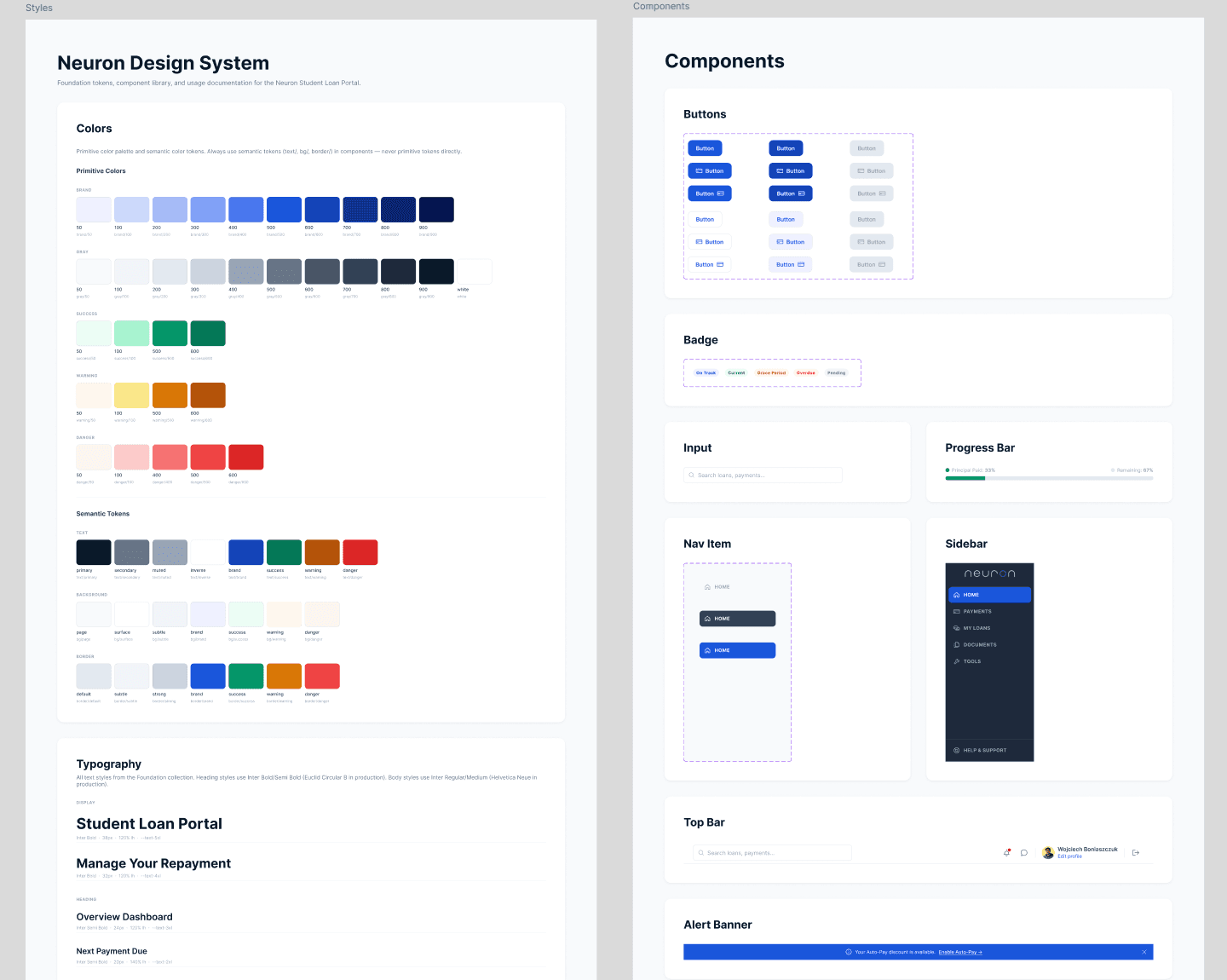
Using Claude Code with the Figma MCP integration, I built the design system foundations directly in Figma: colors, typography, spacing, border radius, and other core tokens. Everything was described using design tokens from the start, ensuring consistency and scalability across all subsequent work.
Figma - Foundation page
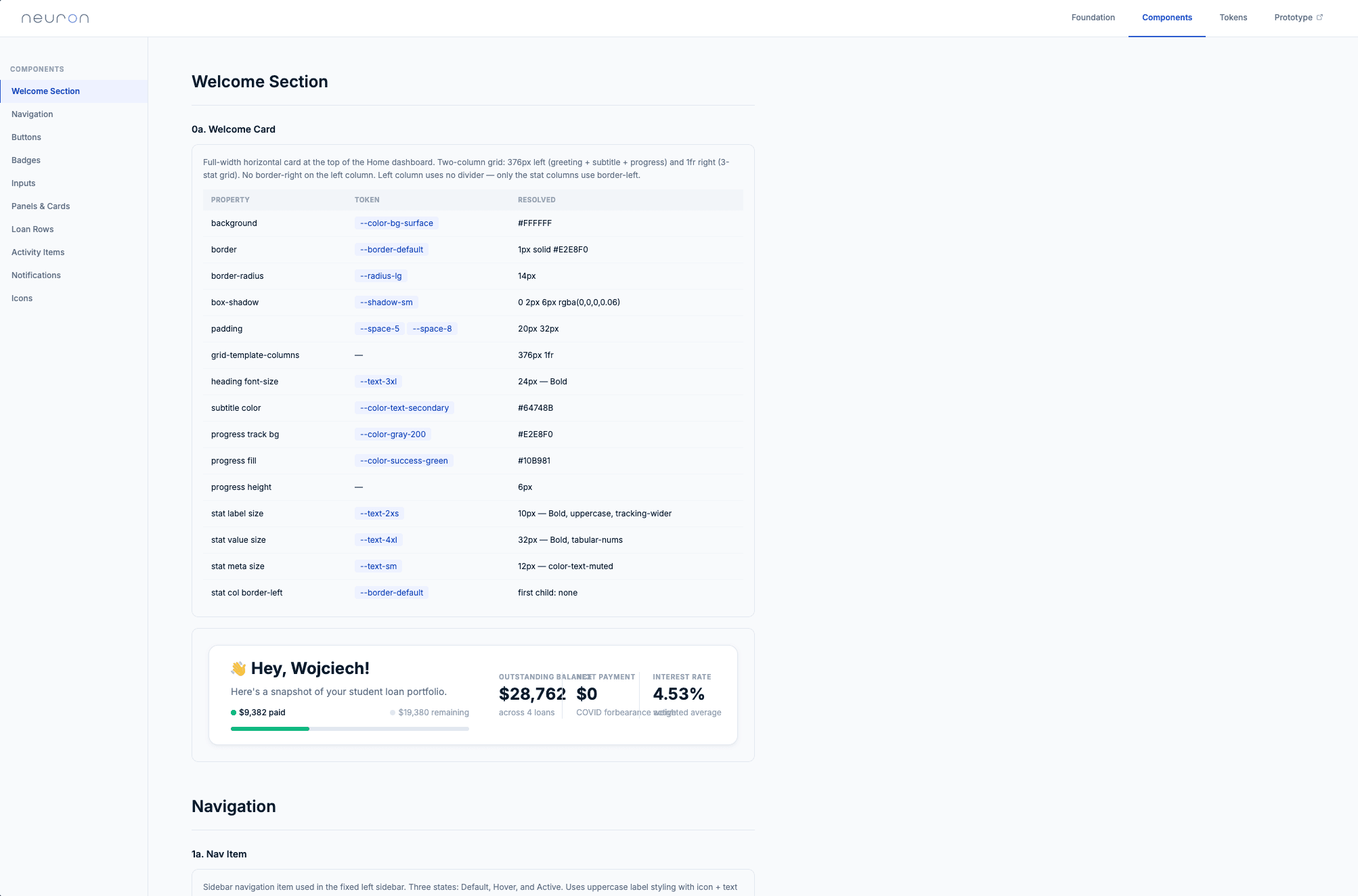
Components - Atoms, molecules, organisms with states
Still using Claude Code + Figma MCP, I generated the component library: atoms, molecules, and organisms - all referencing the token-based foundation. Basic interactive states were included, giving a solid starting point for design and future development handoff.
Figma - Components page
V1 Homepage - Initial concept
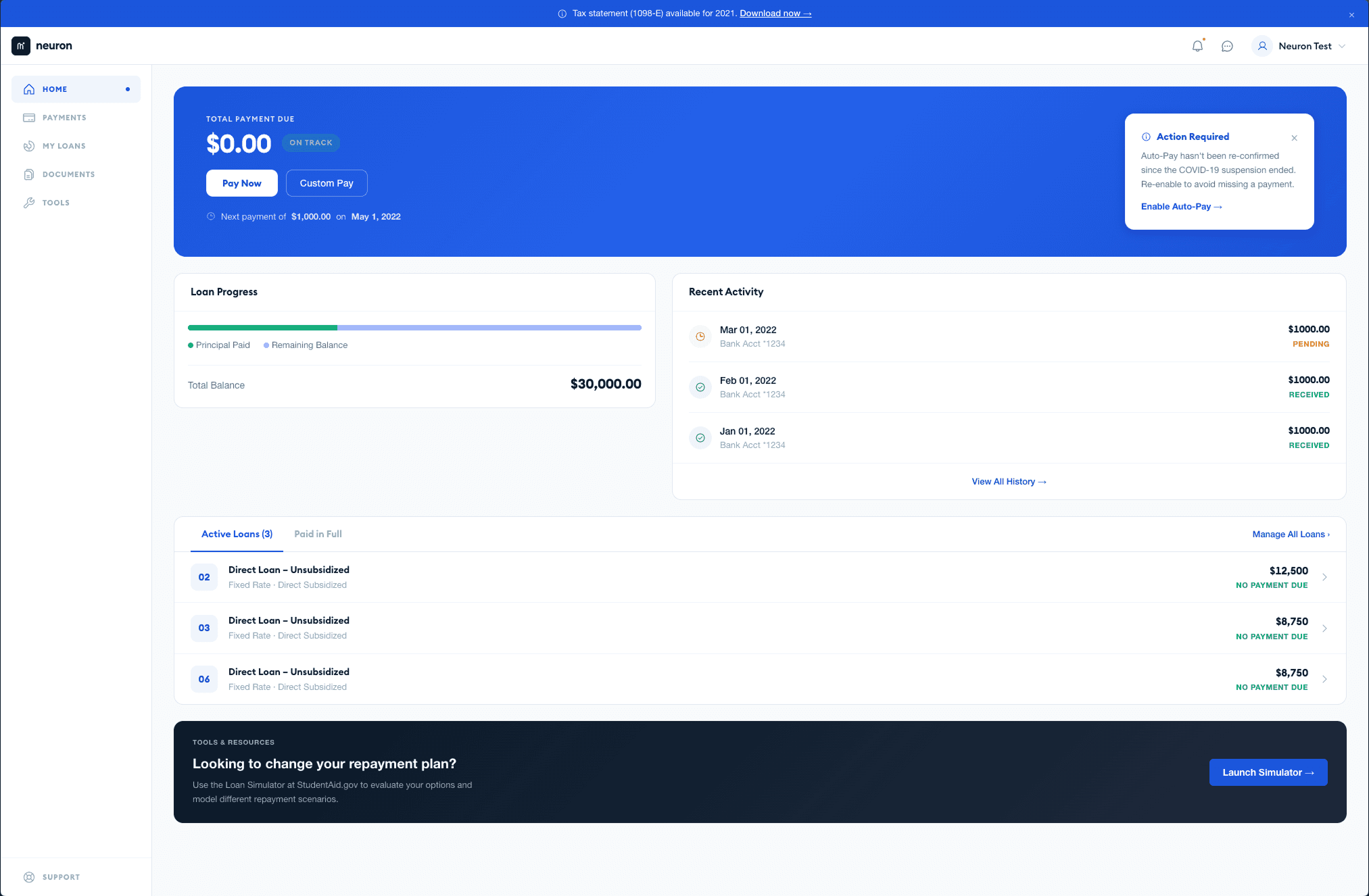
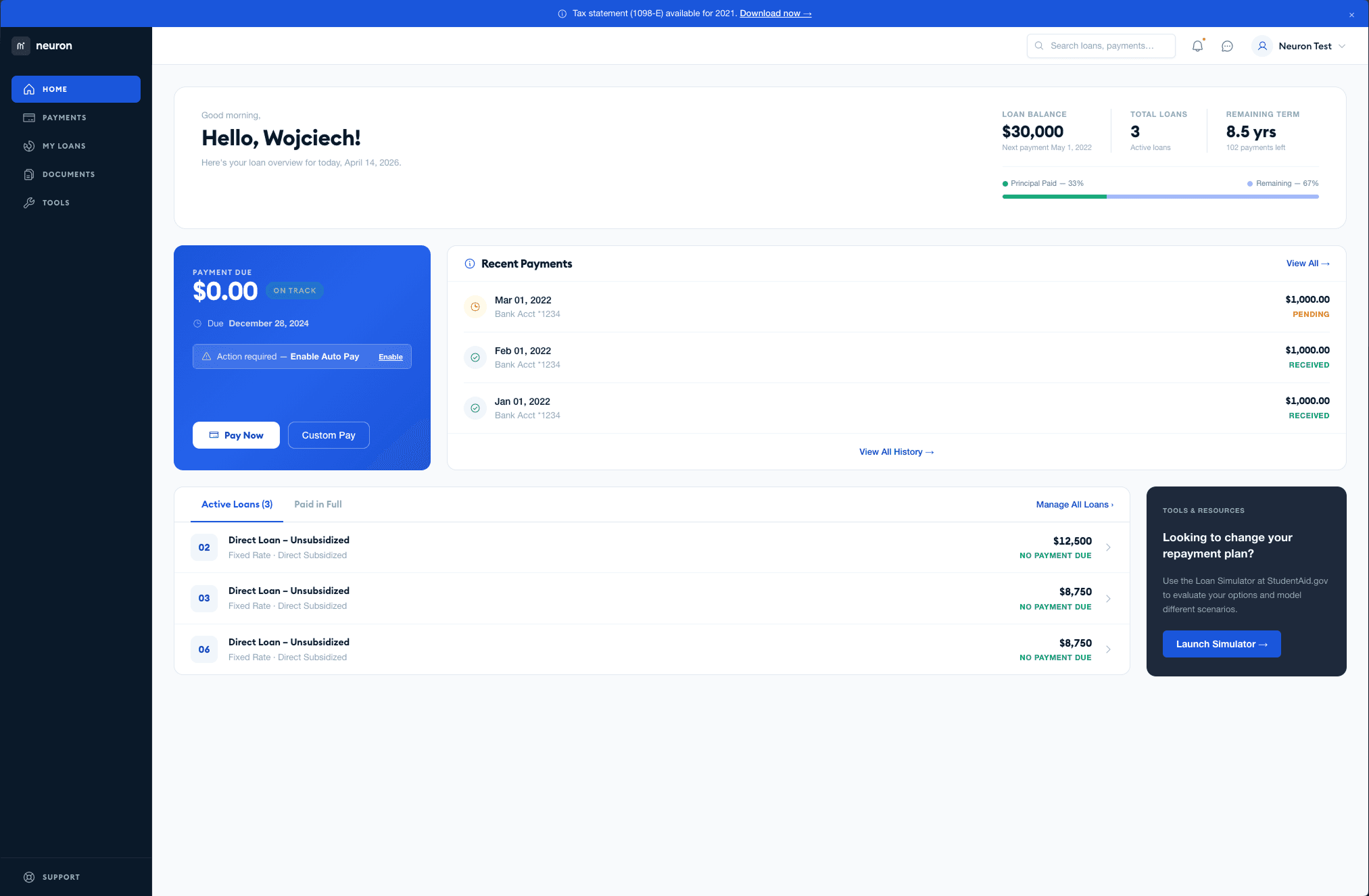
With the foundation and components in place, I used Claude Code to generate the first version of the homepage - establishing the initial look and feel directly from the design system, without manual assembly in Figma. I wasn't convinced and needed more contrast, so I created version v2.
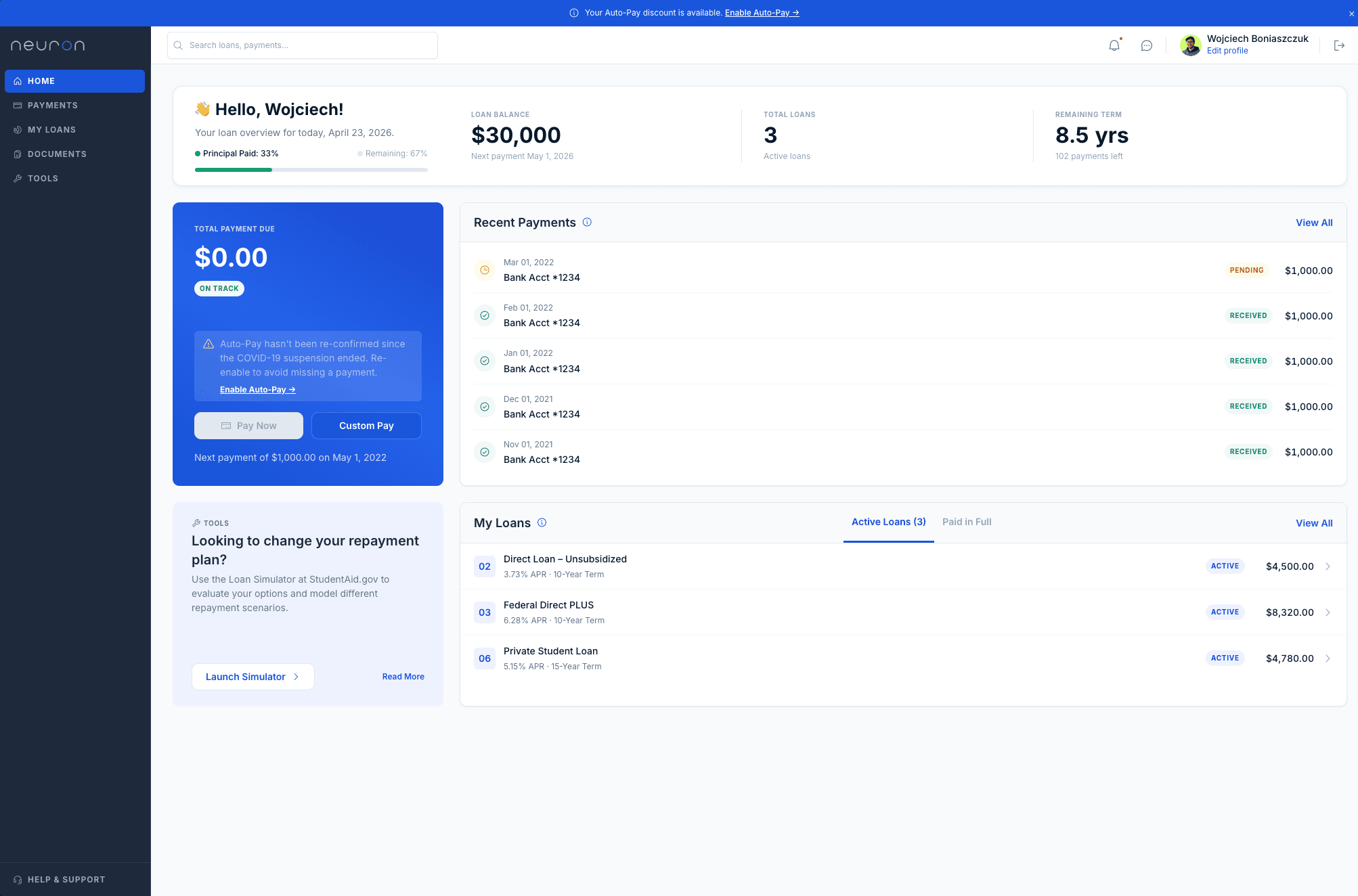
V2 Homepage - AI-assisted iteration + human refinement
The initial V2 was again generated with Claude Code, producing a first view to react to. From there, I took over directly in Figma - updating components, adjusting styles, and making design decisions at each step. Human oversight remained central: these weren't single-prompt outputs but iterative, verified stages.
Clickable prototype - Token-based, generated by Claude Code
After finalizing the Figma design, I used Claude Code to generate a fully clickable prototype that uses the system's design tokens. Additional documentation pages were also generated:
Foundation, Components, Tokens, and a working Prototype.
Moving forward, Claude and I created clickable mockups for each subpage based on the design system (without any preliminary designs in Figma). This gives us a starting point for discussing how each subpage should look.
Process overview - Short flow reference

A condensed visual summary of the full end-to-end workflow, useful as a reference and for communicating the process to stakeholders.
Key Outcomes
Faster foundation work: styles, tokens, and components built in a fraction of the time - ready to refine, not start from scratch.
Token-based from day one: the entire system (from Figma to prototype) runs on the same design tokens.
Full human control: every stage was verified and refined. AI accelerated; the designer decided.
Subpages without upfront design: documentation pages and prototype subpages were generated directly from the design system - no prior Figma screens required.
Why this workflow matters
This didn't happen with a single massive prompt. These were stages - each verified by human input - which is exactly what made it work. The result is a workflow where AI handles the scaffolding and the designer shapes the outcome. You can start building subpages from the very first concept, not from zero.
Other projects
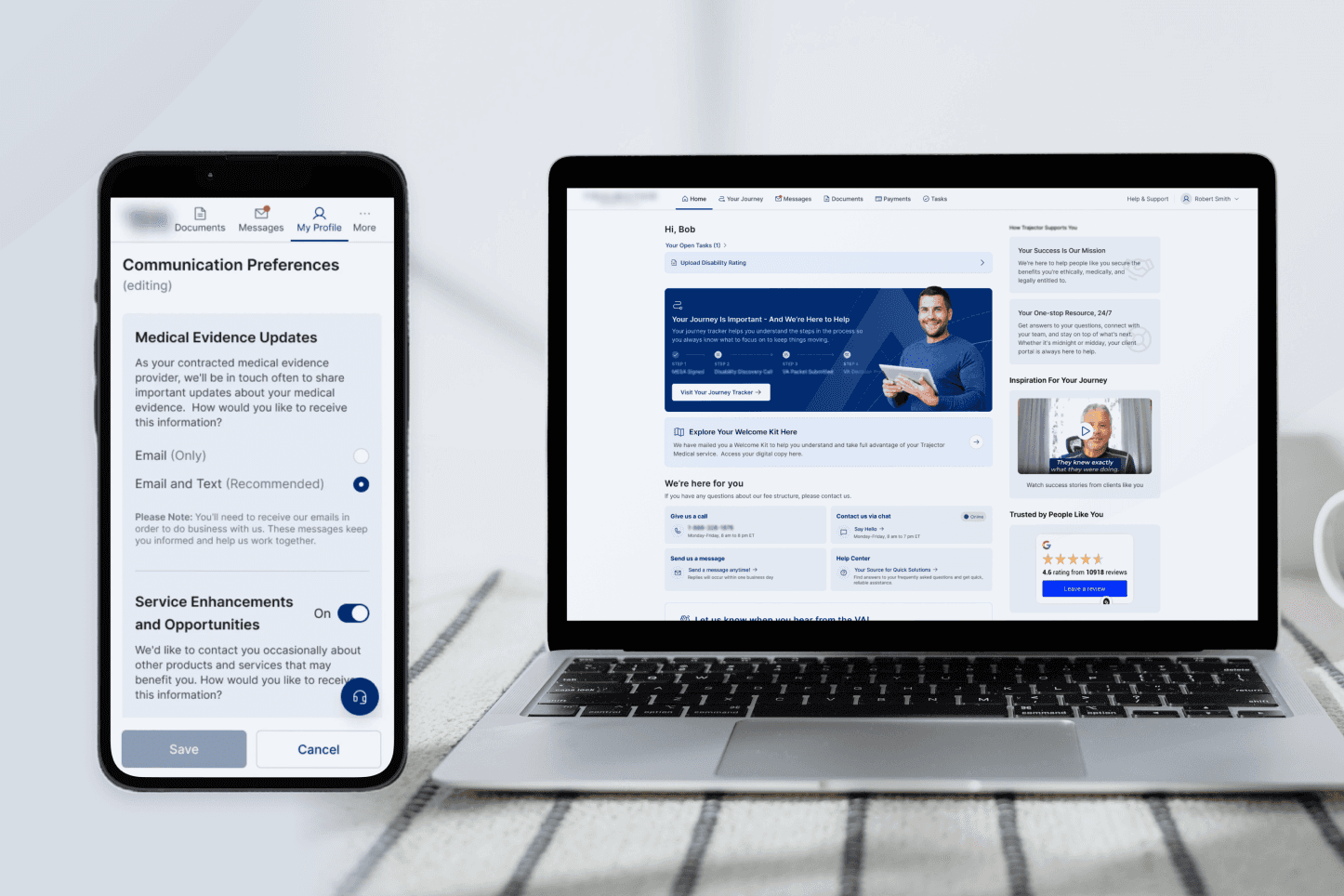
Digitizing the Veteran Journey: Connecting the Dots
Transforming a complex, phone-based claim process into a clear, task-driven digital experience.
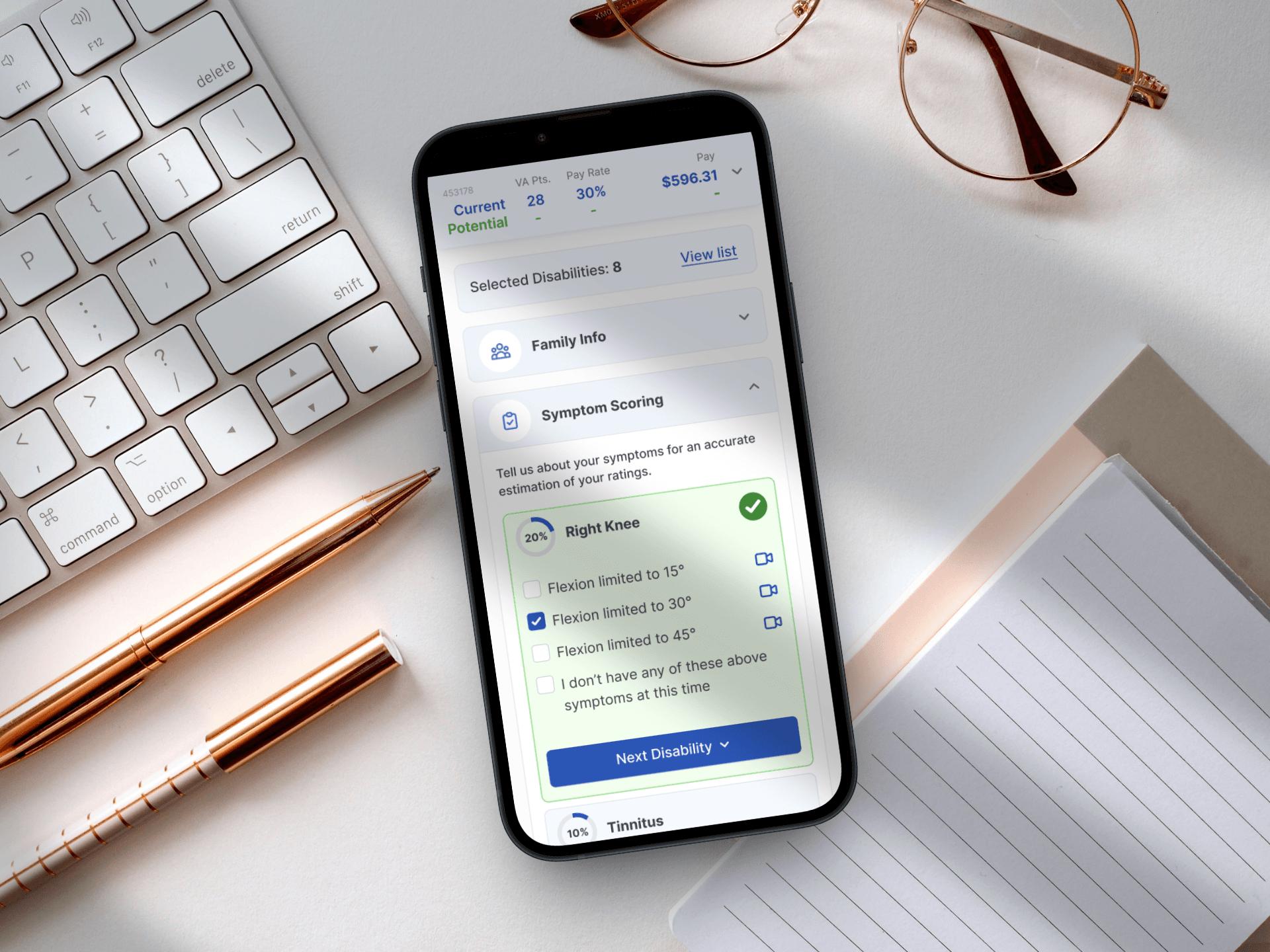
Designing for Service: A Mobile-First Veteran Benefits Calculator
Simplifying the path to government benefits by bridging the gap between complex legal algorithms and human-centered design.
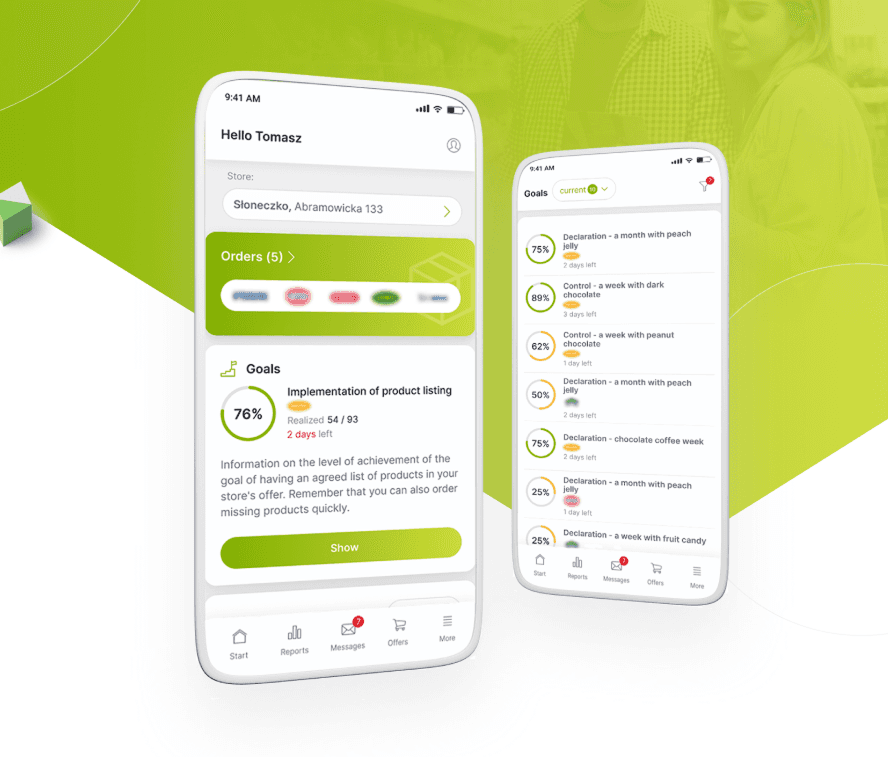
From Excel Chaos to a Unified Retail Powerhouse
Orchestrating the end-to-end design and strategy of a responsive platform that unified fragmented legacy workflows into a high-velocity digital marketplace.
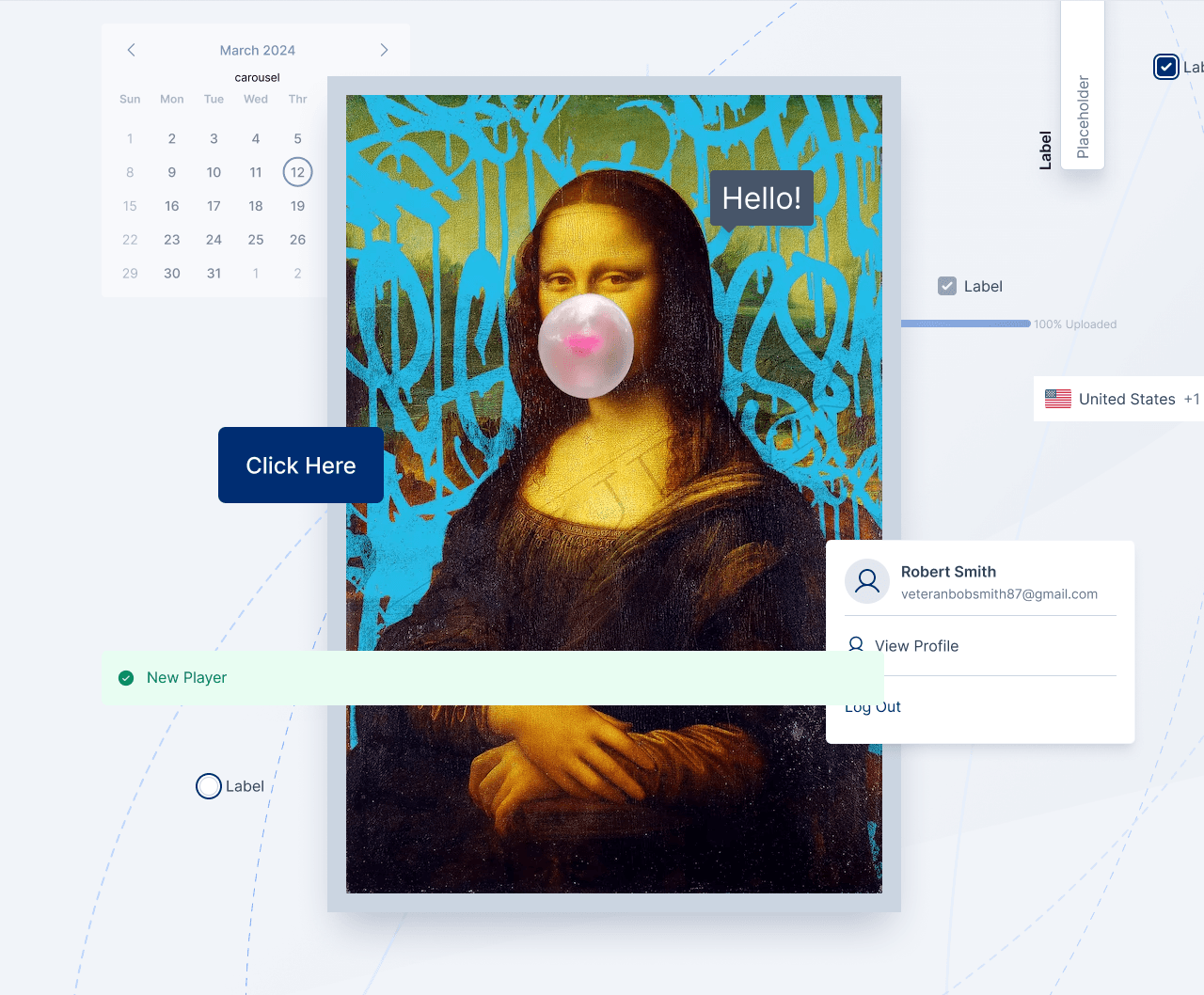
Designing a System That Scales
Building a unified design foundation across products, teams, and code.